New: Product Reviews and Your Own Customer Emails
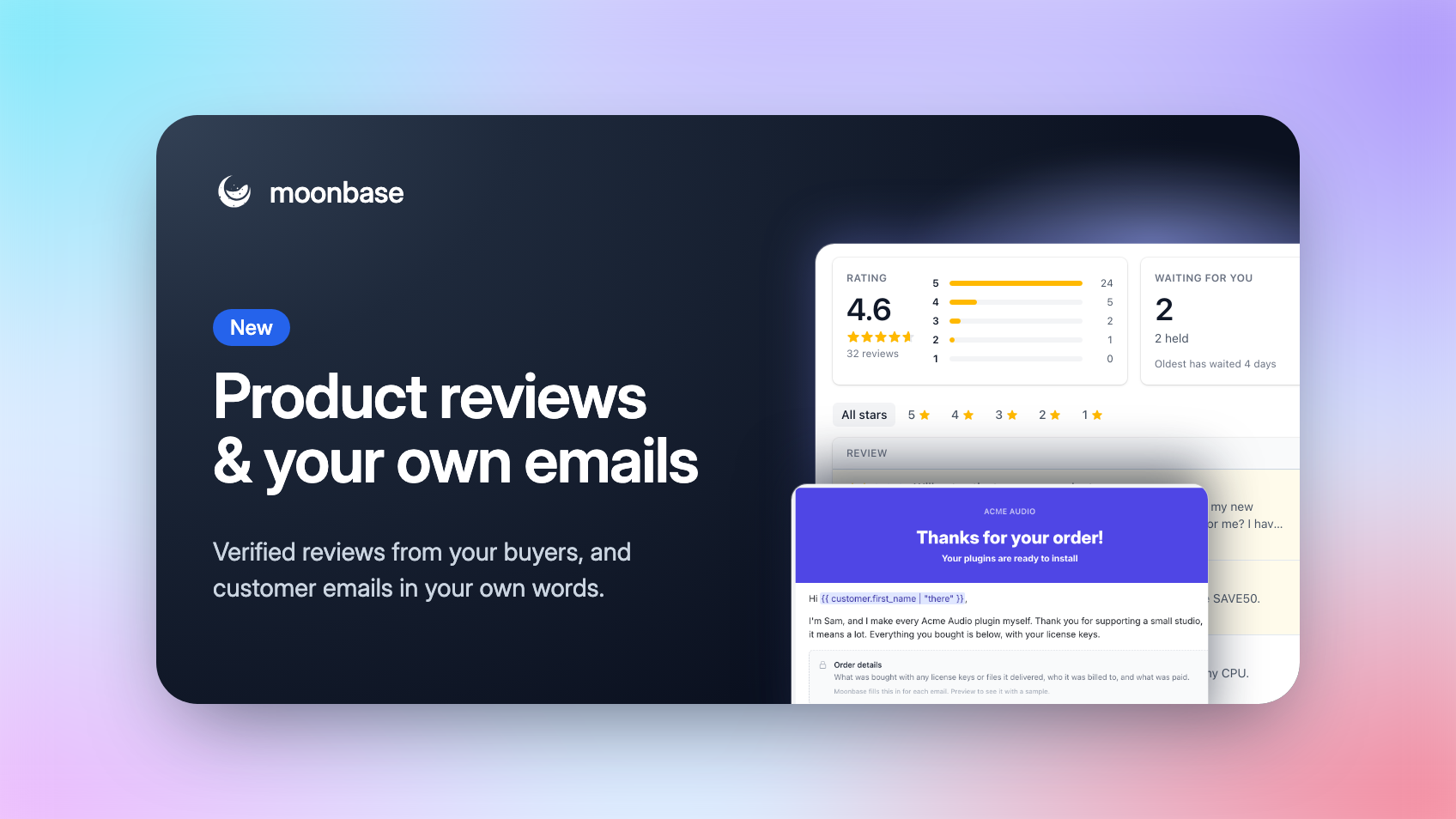
Two things you've asked us for are here! Your customers can now rate and review the products they bought, right from their account or your website, and every review comes from a verified buyer. And the receipts, license and account emails Moonbase sends for you can now be written in your own words.
Both live right next to the orders and licenses they're about, so there's nothing to connect and nothing to keep in sync.
Product reviews
Open Reviews in the sidebar and click Turn on reviews. From then on, customers who paid for a product through your checkout can rate it from 1 to 5 stars and tell others why. Every review carries a Verified owner mark, with the customer's name or without it, as they choose.
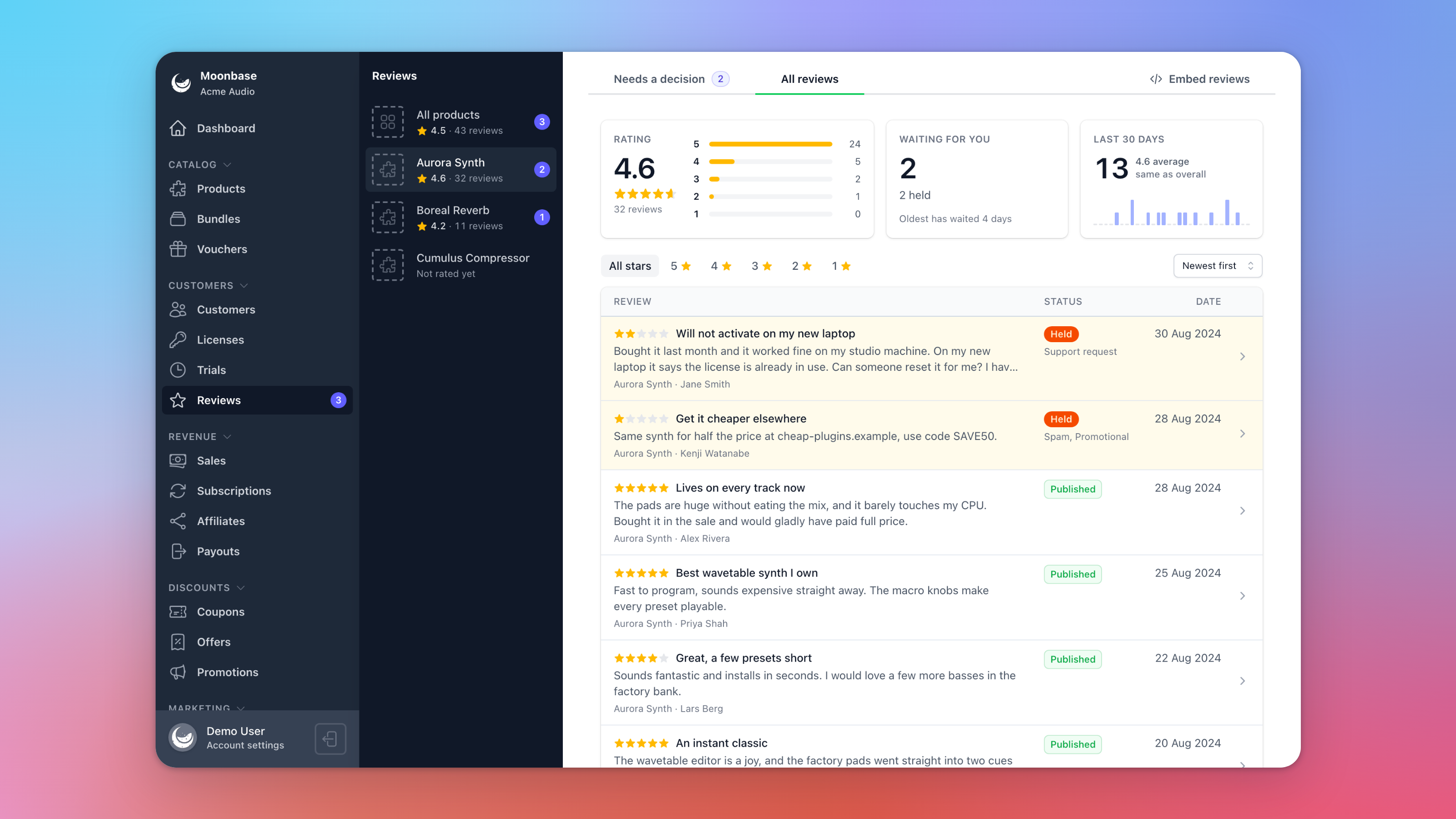
Moonbase checks every review for you, usually within a minute:
Genuine reviews go straight up, critical ones included
Spam, abuse, personal details and off-topic reviews are held for you to Publish or Decline
Support requests are held too, and the customer is pointed to your support email instead
Reviews in other languages get an English translation, and customers can switch to the original
You can Reply to any published review, and Account settings > Notifications emails your team when a review needs a decision.
Show them where you sell
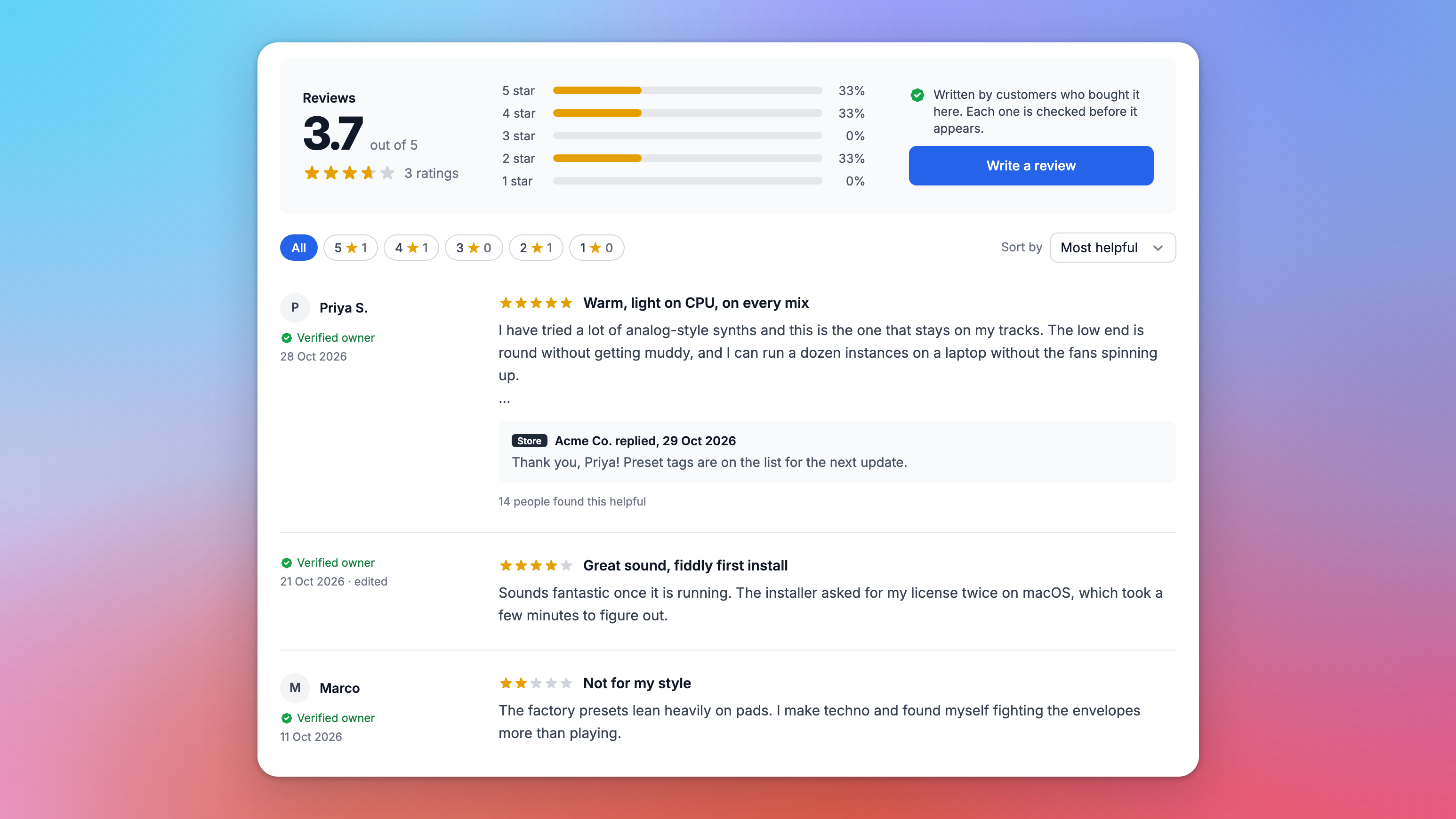
Embed reviews gives you the code, ready to copy: a frame for any website, or a single element for a site that runs the storefront widget, where customers write their review without leaving your page. There's also code to show the star rating in your own design.
Ask at the right moment
The new Review request block in campaigns and automations asks customers to review one product, the products they activated, or everything in their order, with a Write a review button for each. Customers who have nothing left to review are skipped. Or start from the Ask for reviews after a purchase template, which asks two weeks after every purchase. The new Reviewed check in segments finds who has and hasn't reviewed.
Your own customer emails
Under Account settings > Email > Customer emails, you can now write your own version of 14 of the emails Moonbase sends your customers: receipts, refunds, licenses you issue, renewal reminders and failed payments, account activation, password resets and more.
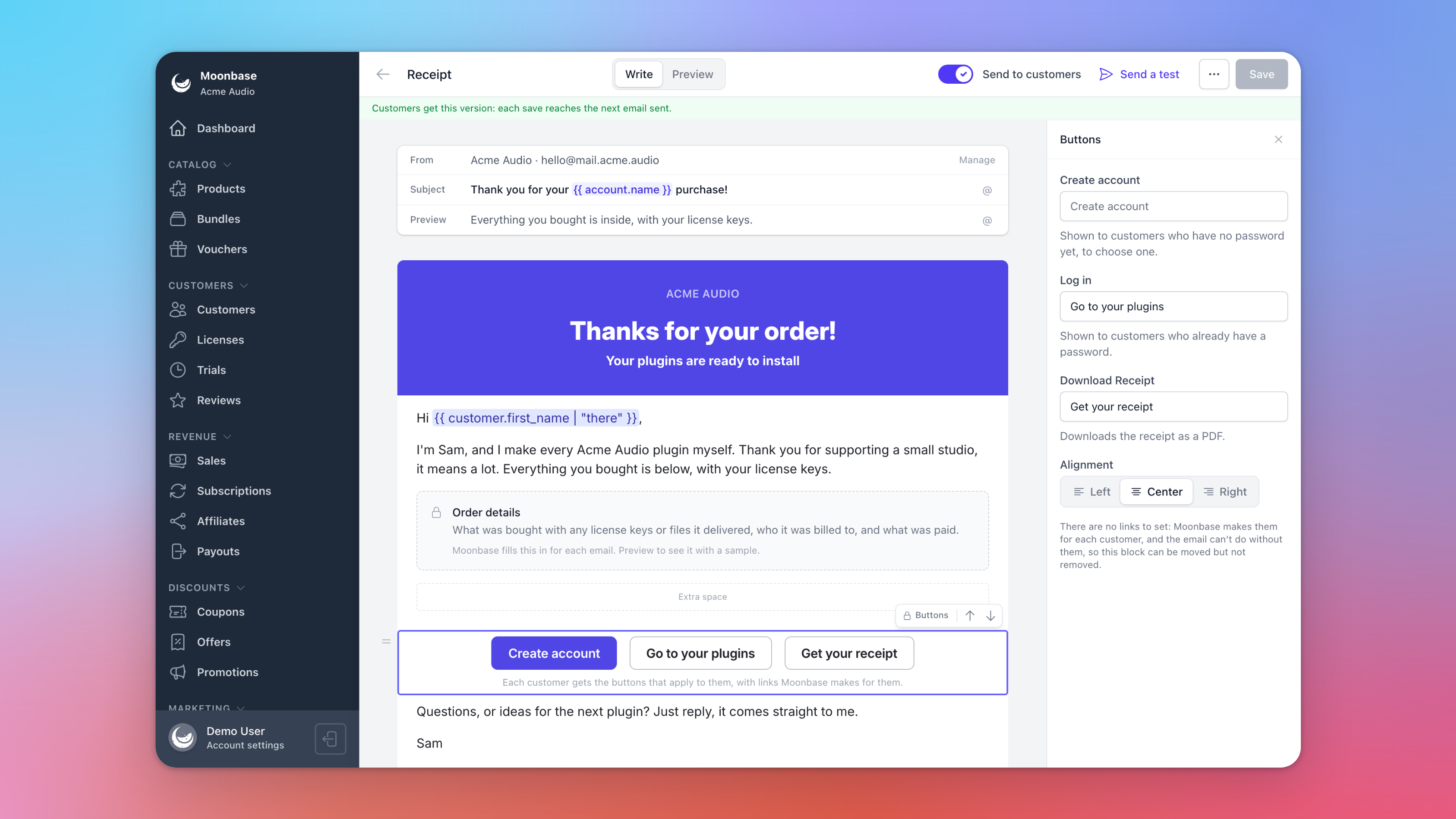
Same editor as your campaigns: each email opens as Moonbase's own, laid out as blocks, so you only change what you want to, subject line included
The essentials stay in: the order, licenses and links each email exists to deliver sit in locked blocks that Moonbase fills in for every customer. You can rename their buttons
Preview and Send a test before you turn on Send to customers
Always delivered: if your version can't be sent for any reason, your customer gets Moonbase's email instead
Your versions go out from your own sending address, so you'll need a Transactional address on a verified domain. You can write your emails before that's set up.
Read all about it in our articles on Product reviews and Writing your own customer emails. Thank you to everyone who asked for verified product reviews and your own wording in customer emails. Is there something you'd like to see next? Let us know on the roadmap. ⭐
Enjoying Moonbase?
Then we'd love your honest review!
Sharing your experiences with the platform is a great way to support us, and inform others.
You can find us on Trustpilot. ❤️