New: Connect your AI Assistant to Moonbase
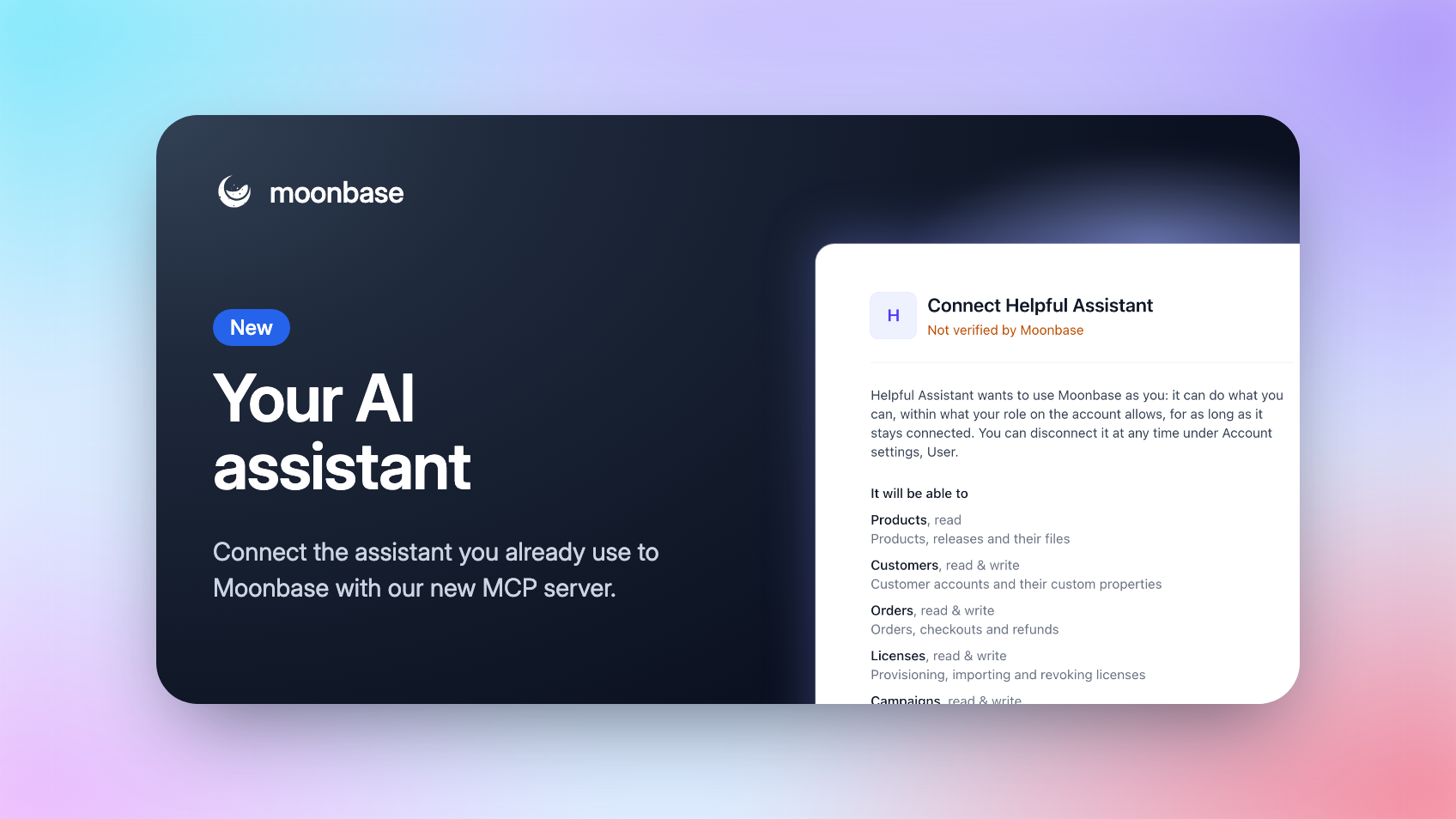
With our new MCP server, you can now bring Moonbase into the AI assistant you already use. Let your assistant look things up and get work done in your Moonbase account, for example: answer a support email with the customer's licenses in front of it, pull this month's numbers without opening the dashboard, or draft next week's newsletter.
You stay in control. An assistant can only do what your role allows, you choose how far it can go when you connect it, and it can't refund, send or revoke anything unless you allowed that too.
Connect in a minute
In your assistant, add the connection (it may be called a custom connector, plugin or an MCP server) with the address https://mcp.moonbase.sh. There's no API key to copy: the assistant opens Moonbase, where you sign in, pick the account, see what it will be able to do, and click Connect.
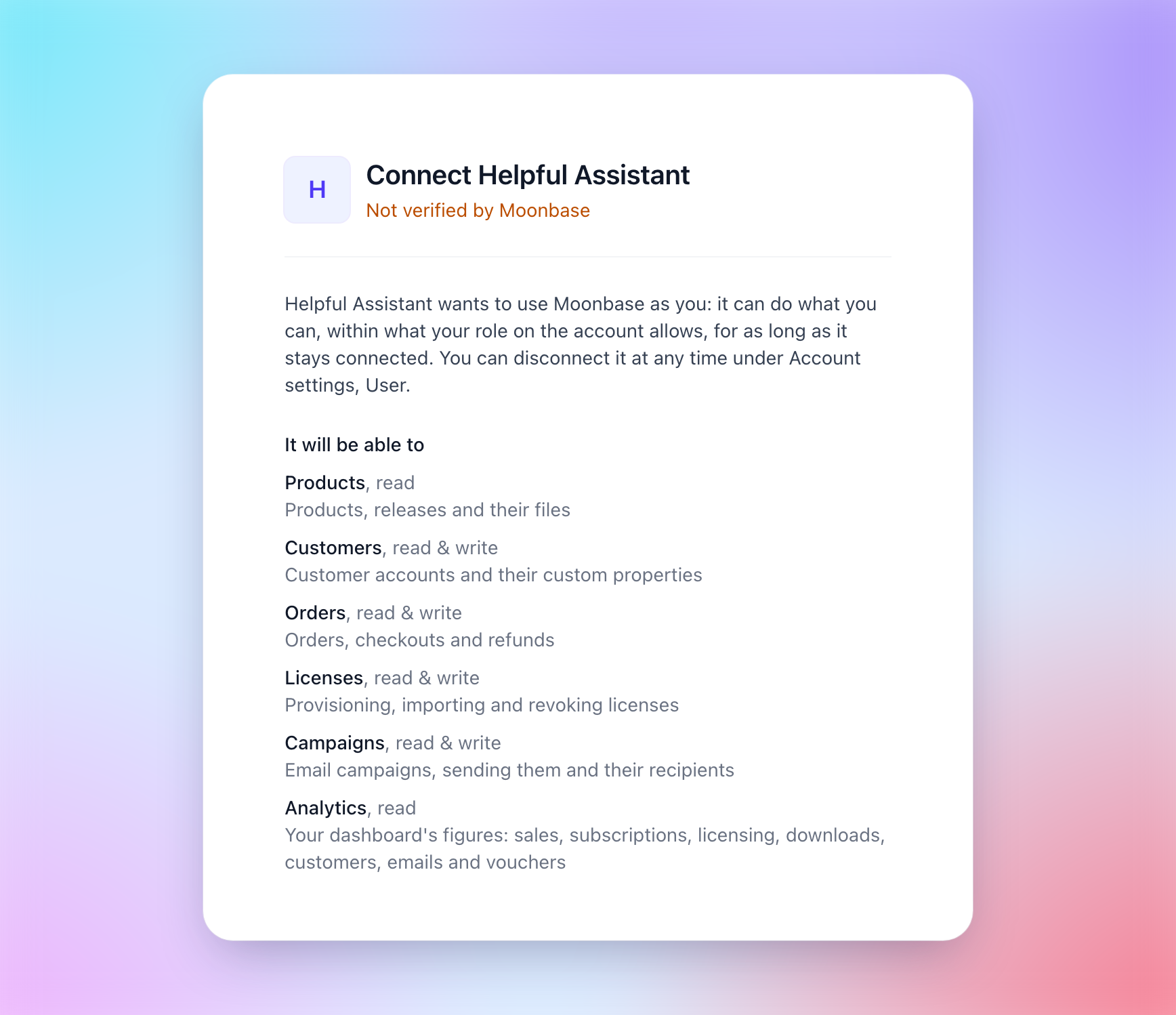
Anyone on your team can connect their own, whatever their role is. It acts as them, sees only what their role opens, and stops working when they leave the team.
What you can ask
Support: "Find the customer behind jane@example.com and check which devices their license is activated on." It finds customers by email or name, sees their orders, licenses, subscriptions, trials and the emails we sent them, and can resend a receipt, retry a failed order, extend a trial, give a license or refund an order.
Your numbers: "How did revenue in September compare with August, per product?" It reads the same figures as your dashboard, so the answers match: sales, MRR and churn, licensing, downloads, customers, emails and the product funnel.
Marketing: "Draft a newsletter to everyone who owns Acme Synth announcing version 2, and show me what it looks like." It writes campaigns and automations, shows you the email, sends you a test, makes segments and coupons, and tells you how a campaign did.
You decide how far it goes
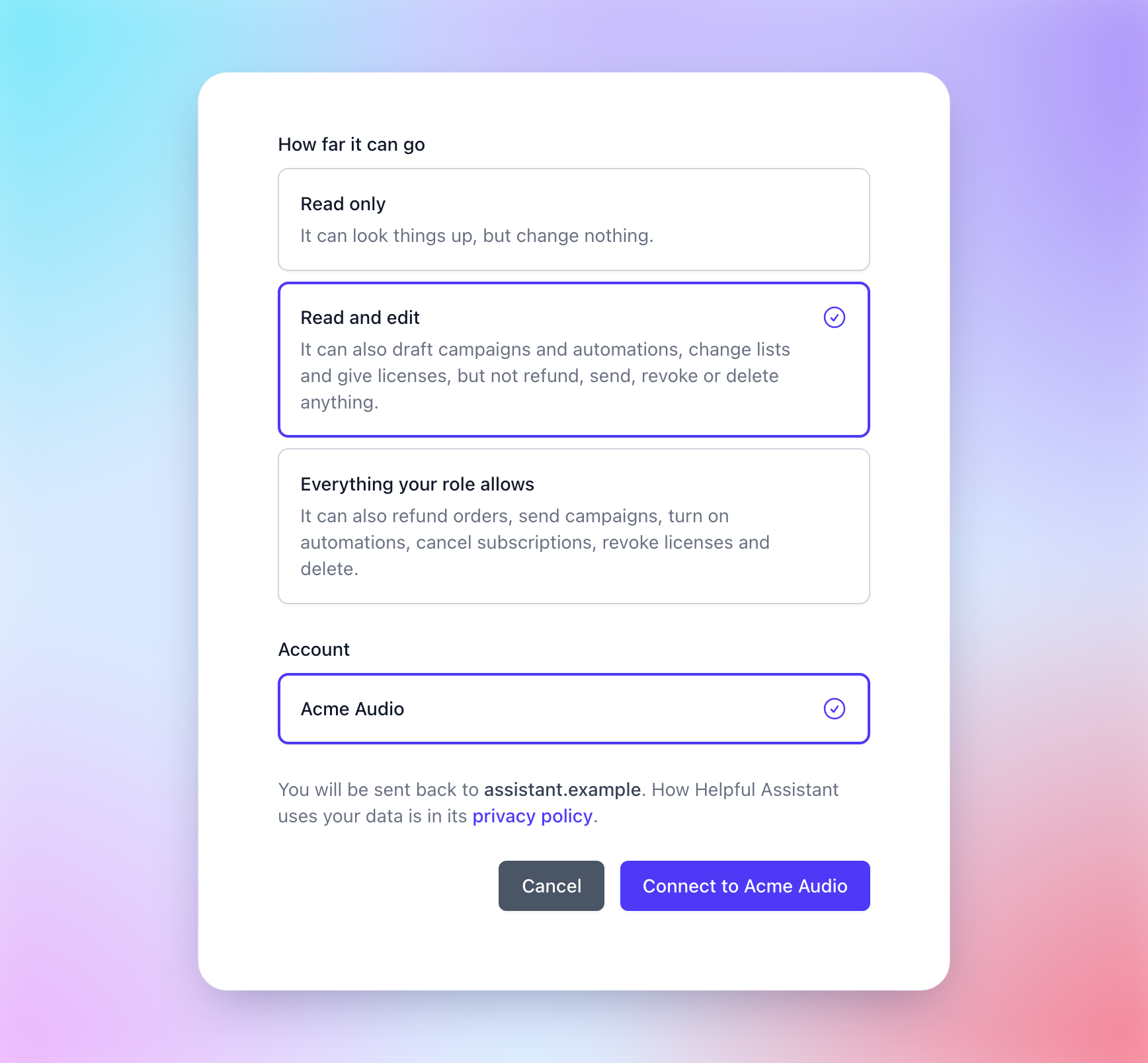
When you connect, pick one of three:
Read only: it looks things up and changes nothing.
Read and edit (the default): it can also draft campaigns and automations, change lists and give licenses, but not refund, send, revoke or delete anything.
Everything your role allows: it can also refund orders, send campaigns, turn on automations, cancel subscriptions, revoke licenses and delete. Even then, it's told to say what will happen and ask you first.
Campaigns and automations it writes stay drafts until they're sent or turned on, so you can look them over in Moonbase first.
Disconnect at any time
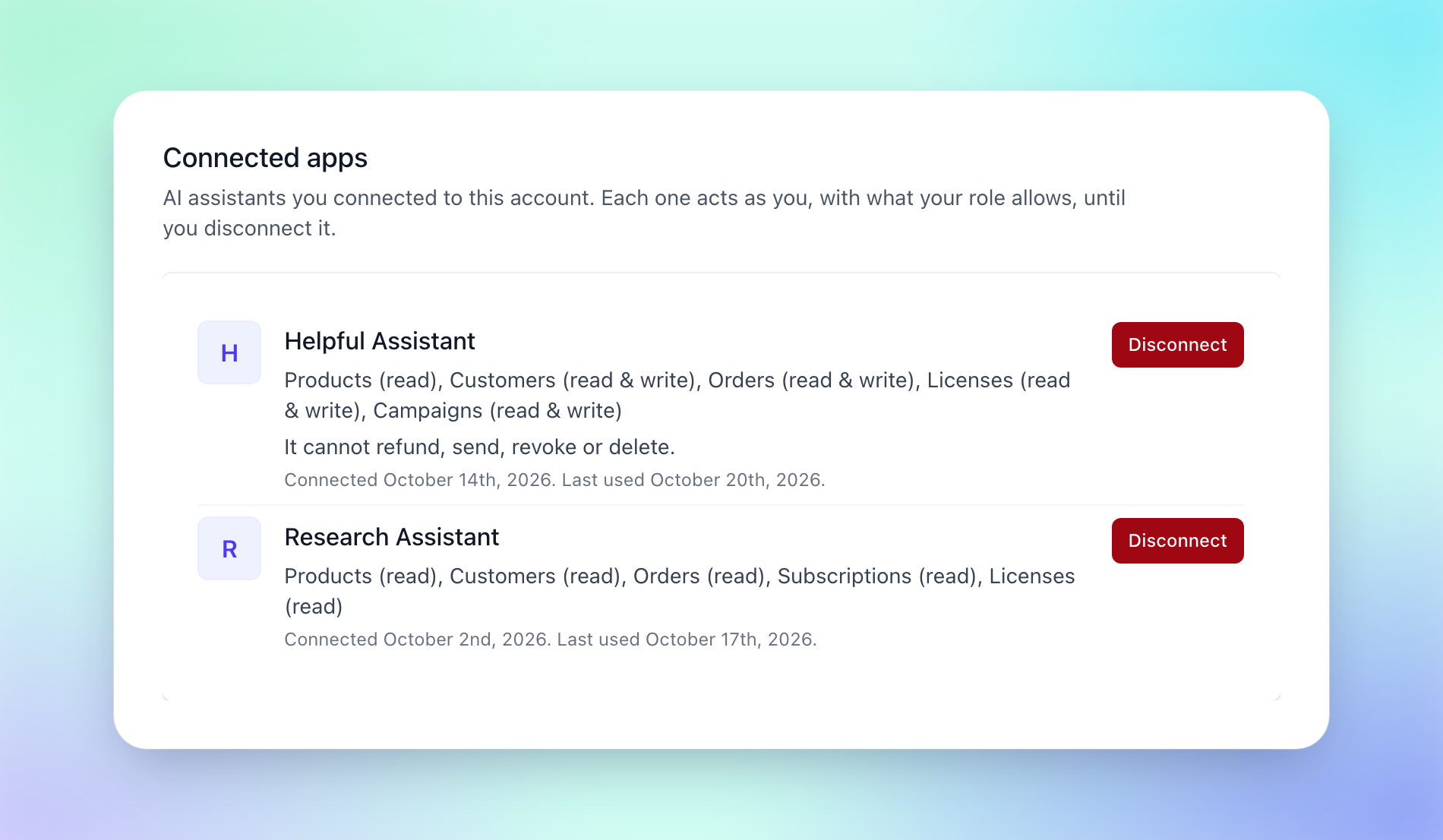
Account settings > User lists the assistants you connected, what each assistant can do and when it was last used, and Disconnect stops one within seconds.
Setup and troubleshooting are all in our article on Connecting an AI assistant. Is there something you'd like your assistant to do in Moonbase that it can't yet? Let us know on our roadmap. 🤖
Enjoying Moonbase?
Then we'd love your honest review!
Sharing your experiences with the platform is a great way to support us, and inform others.
You can find us on Trustpilot. ❤️