Import Customer & License Data from CSV
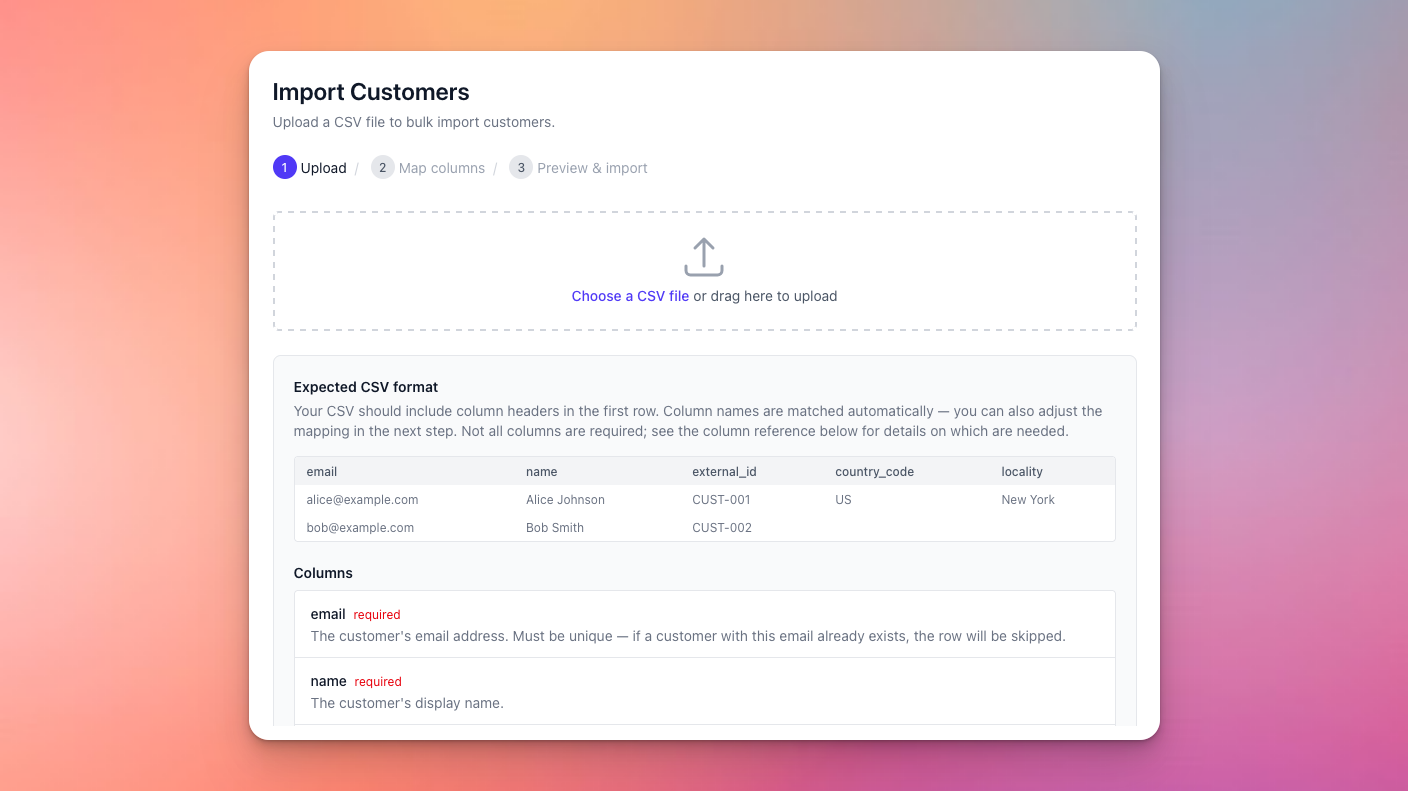
We’ve always had powerful import APIs to import customer and license data into Moonbase, making sure you can transition seamlessly from your existing infrastructure to Moonbase, and today we’ve made it even simpler to use!
If you want a less technical approach to data import, you can now use our new import tools, found directly in the Moonbase app. These allow you to upload a CSV file with all the data you want to import, with support for a number of fields on both customers and licenses.
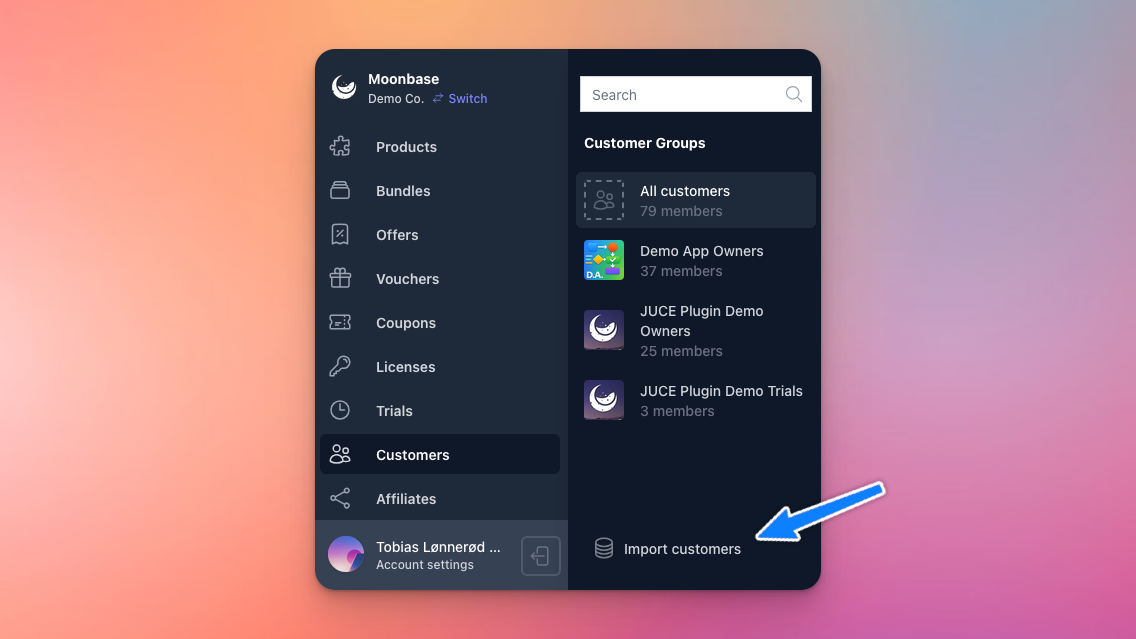
Head over to the “Customers” or “Licenses” tab to get started:
The wizard will take you through uploading and mapping your CSV file, and you’ll get a preview of all data you will import:
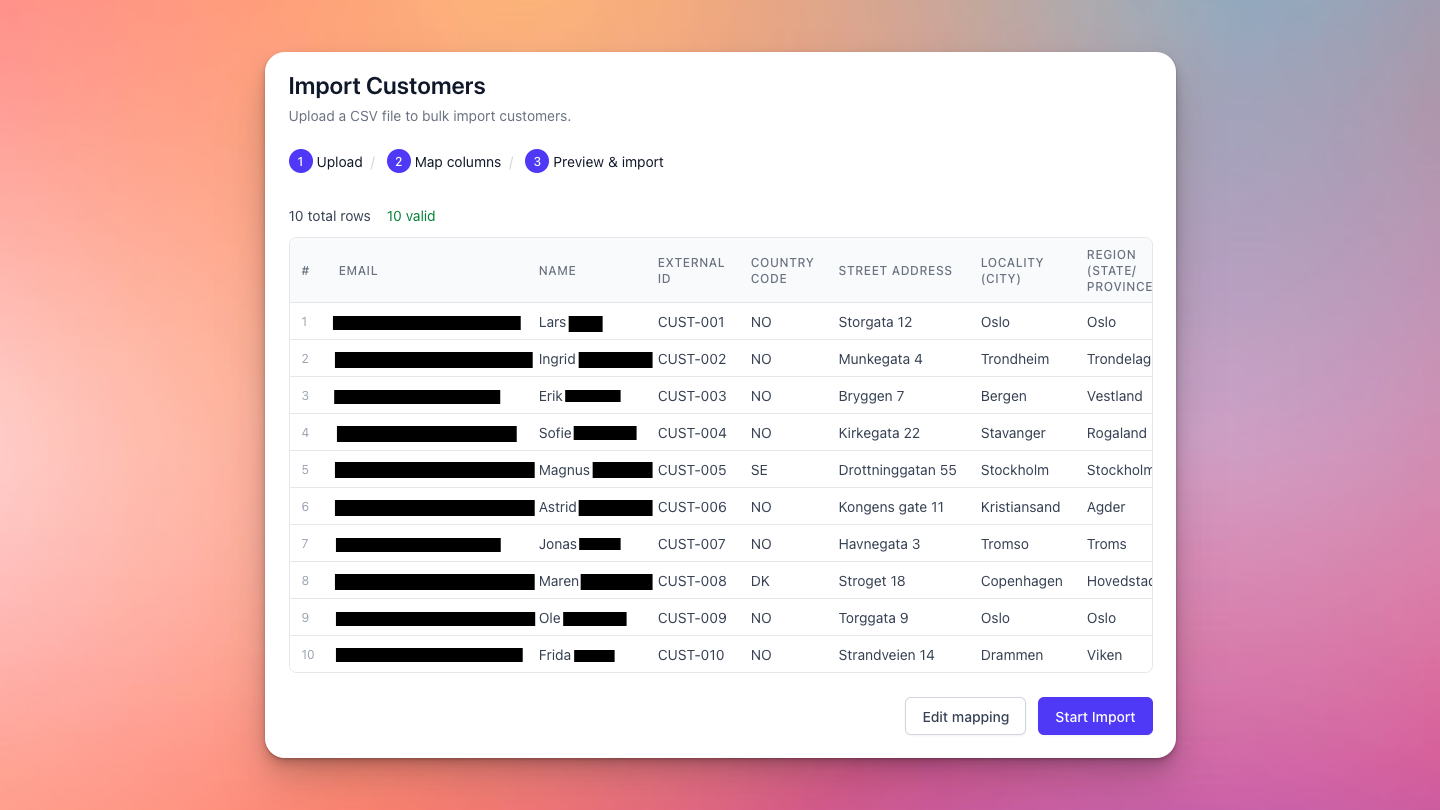
This import process can handle large amounts of data, so even if you have tens of thousands of customers to import, it will be handled in a safe and consistent manner. Once done, you’ll be able to download the results of the import, with a full report on which rows were imported, with which IDs, and which rows failed.
To learn more about the types of data that you can import and how it works, read our article on Using the import tool.